
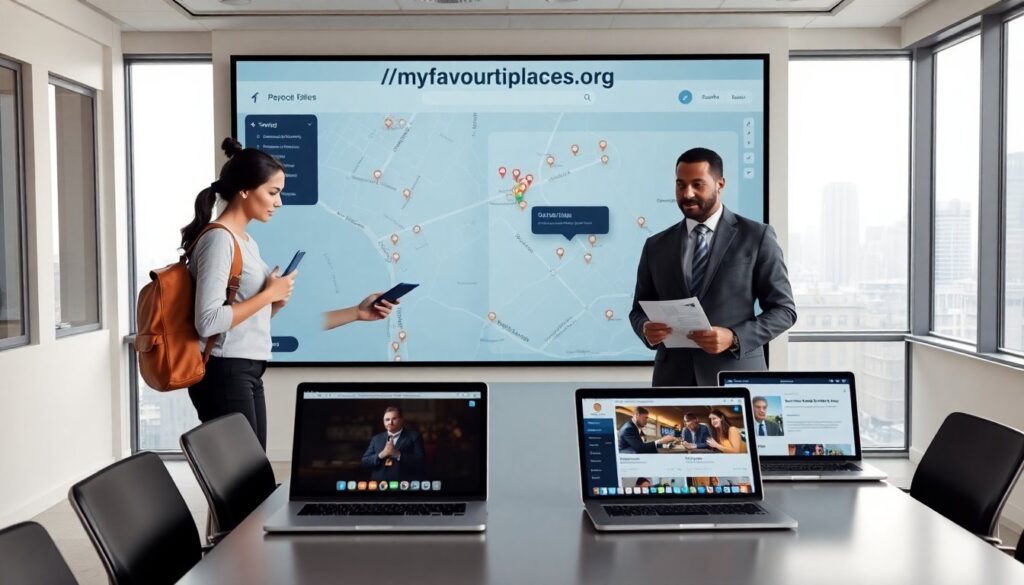
//myfavouriteplaces.org helps people find local spots quickly. It lists restaurants, parks, shops, and events. The site uses community input and verified data. It updates listings daily. Users can search, filter, map, and save places. The platform suits travelers, locals, and small business owners. It aims to reduce time spent hunting for good places and increase discovery of local favorites.
Key Takeaways
- //myfavouriteplaces.org helps users find local restaurants, parks, shops, and events quickly through community input and verified data.
- The platform offers powerful search features including filters by category, price, accessibility, and real-time interactive maps to streamline discovery.
- Users can add and edit listings easily, while business owners benefit from verified profiles and opportunities for paid promotion to increase visibility.
- Trust is maintained via community moderation, automated checks, and transparent review systems with badges for verified contributors and owners.
- The site serves travelers, locals, and small businesses by providing curated lists, offline map options, and useful filters like family-friendly and Wi‑Fi availability.
What MyFavouritePlaces.org Offers And Who It’s For
//myfavouriteplaces.org lists neighborhood favorites with photos, hours, and contact info. The site shows ratings and recent reviews. It offers curated lists by theme, like coffee, outdoor spots, and family activities. The platform serves travelers who want quick, reliable picks. It serves locals who want to find new spots near home. It serves small businesses that want visibility. It supports basic business profiles and featured placement for a fee. The site balances free user listings with paid promotion options.
Search, Filters, And Interactive Maps: Find Places Fast
//myfavouriteplaces.org provides a single search bar on every page. The search filters include category, price range, distance, and accessibility. The map view updates results in real time as users change filters. The site highlights top-rated places in the map pins. The site loads quickly on mobile and desktop. Users can switch between list view and map view with one tap. Search results show key details to help users decide fast.
Using Filters And Maps To Narrow Results
Users select filters to narrow results by category and by time. They choose dietary options, outdoor seating, and family-friendly tags. They set distance and sort by rating or newest. The map shows clusters when many places sit close together. The map zoom reveals single pins for individual venues. The interface lets users toggle layers for transit stops and parking. The filter panel remembers recent choices for repeat searches.
How To Add, Edit, And Promote Your Favorite Spots
Community members add new places with a simple form on //myfavouriteplaces.org. They provide name, address, category, hours, and one photo. The site prompts users to add a short description and tags. Owners claim listings to edit details and respond to reviews. Verified owners receive a badge and analytics on views and saves. Small businesses can buy featured placement or sponsored lists to increase exposure. The platform keeps paid options transparent and labeled clearly.
Trust, Reviews, And Safety: How Content Is Moderated
The site uses community moderation and automated checks to keep listings accurate. Users report incorrect or harmful content with one click. The platform reviews flagged listings within 48 hours on average. Verified owners can dispute changes and provide proof. The review system combines star ratings with short written feedback. The platform hides reviews that break rules and warns repeat offenders. It also displays verification badges for trusted contributors and for business owners.
Practical Tips For Different Travelers And Local Explorers
Travelers use //myfavouriteplaces.org to find quick food stops and safe neighborhoods. They save transit-friendly lists and use offline maps for flights with limited data. Weekend explorers search by activity and by kid-friendly tags. Remote workers filter for Wi‑Fi and power outlets. Business owners watch analytics to learn what visitors like. Everyone reads recent reviews and checks hours before visiting. They also add short notes after a visit to help other users.

